- Dec 06 Sun 2015 12:12
-
PostgreSQL 會員註冊系統的加密範例
- Nov 21 Sat 2015 11:53
-
C++ ( Qt 5 ) 入門範例:基本輸入輸出
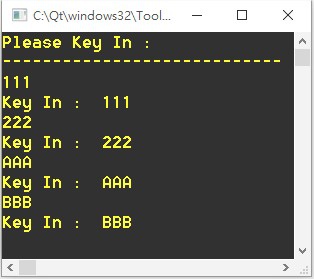
#include<QCoreApplication>
#include<QDebug>
#include<QTextStream>
int main(int argc, char*argv[]) {
QCoreApplication a(argc,argv);
- Nov 19 Thu 2015 13:53
-
C++ ( Qt 5 ) 入門範例:WebCam 拍照

*.pro 文件加入:
QT += core gui multimediamulti mediawidgets
------------------------------------------------------------------------
mainwindow.h 檔案:
- Nov 18 Wed 2015 10:56
-
C++ ( Qt 5 ) 入門範例:Thread、線程、多執行緒、QThread
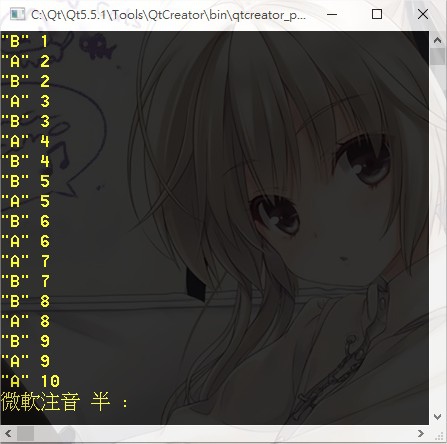
main.cpp
#include "cat.h"
#include <QCoreApplication>
int main(int argc, char * argv[]) {
QCoreApplication a(argc,argv);
- Nov 17 Tue 2015 16:02
-
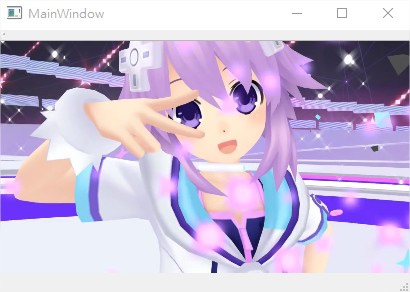
C++ ( Qt 5 ) 入門範例:影片播放 ( Mp4 / Avi / Mpg )
- Nov 17 Tue 2015 15:04
-
C++ ( Qt 5 ) 入門範例:檔案讀寫
常用參數:
QIODevice::ReadWrite
QIODevice::ReadOnly
QIODevice::WriteOnly
QIODevice::Text
- Nov 17 Tue 2015 09:25
-
C++ ( Qt 5 ) 入門範例:各種 Json 範例
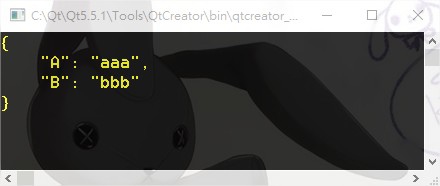
寫入Json 物件:
#include<QCoreApplication>
#include<QJsonDocument>
#include<QJsonObject>
#include<QJsonValue>
- Nov 16 Mon 2015 00:08
-
C++ ( Qt 5 ) 入門範例:Http 檔案下載
#include<QCoreApplication>
#include<QDebug>
#include<QtNetwork/QNetworkAccessManager>
#include<QtNetwork/QNetworkRequest>
#include<QtNetwork/QNetworkReply>
- Nov 15 Sun 2015 23:35
-
C++ ( Qt 5 ) 入門範例:Sleep 暫停

#include <QCoreApplication>
#include <QDebug>
#include "windows.h" // Windows
// #include "#include <sys/stat.h>" // Linux
intmain(int argc, char * argv[]){
- Nov 15 Sun 2015 22:51
-
C++ ( Qt 5 ) 入門範例:Http 接收資料
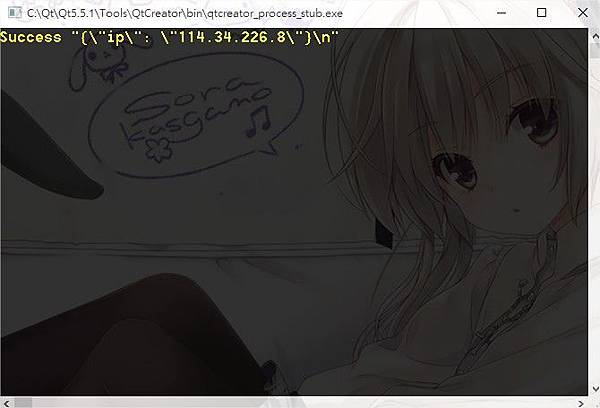
#include<QCoreApplication>
#include<QDebug>
#include<QtNetwork/QNetworkAccessManager>
#include<QtNetwork/QNetworkRequest>
#include<QtNetwork/QNetworkReply>
- Nov 13 Fri 2015 21:52
-
C++ ( Qt 5 ) 入門範例:基本視窗
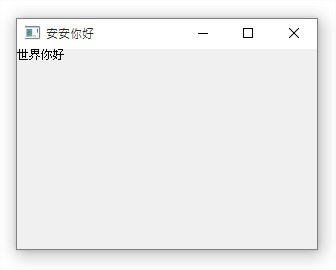
#include<QApplication>
#include<QLabel>
intmain(intargc,char*argv[]) {
QApplicationa(argc,argv);
QWidget*w=newQWidget();
- Nov 05 Thu 2015 22:49
-
JavaCV : WebCam Demo

